13719Sallminhttps://secure.gravatar.com/avatar/625f8939633b03dd837d4fa5b75252c6d0dcd4f5fa3dde11607441b927aeb896?s=96&d=retro&r=g The Reports Tab provides a comprehensive overview of merge information, offering advanced search and filtering options. It allows users to re-merge data, view delivery details, download merge files, and even make edits directly from the tab for a streamlined experience.
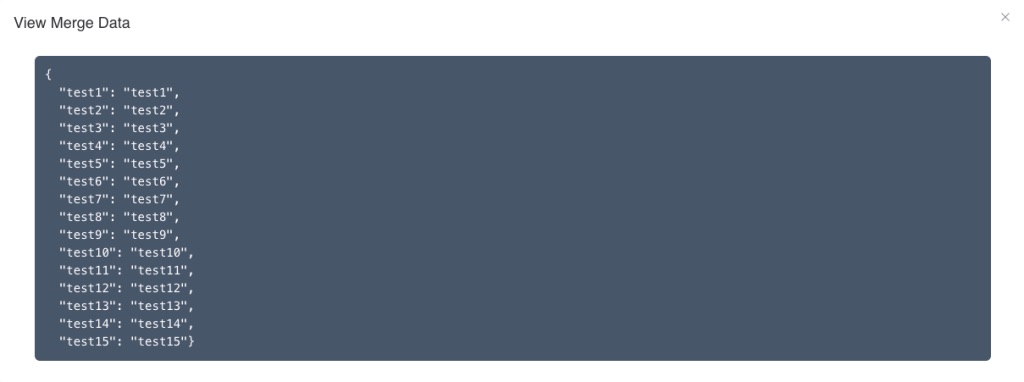
The View Data action within the Reports Tab allows users to access a detailed view of the data that was sent during the document or data route merge process.
This feature provides an in-depth look at the specific data elements that were added on a document merge. Below find an example how data looks like after it has been merged.
Tags: Reports Was this article helpful to you?
Yes NoRelated Articles