13098Sallminhttps://secure.gravatar.com/avatar/625f8939633b03dd837d4fa5b75252c6d0dcd4f5fa3dde11607441b927aeb896?s=96&d=retro&r=gThis section allows you to customize your document’s status settings
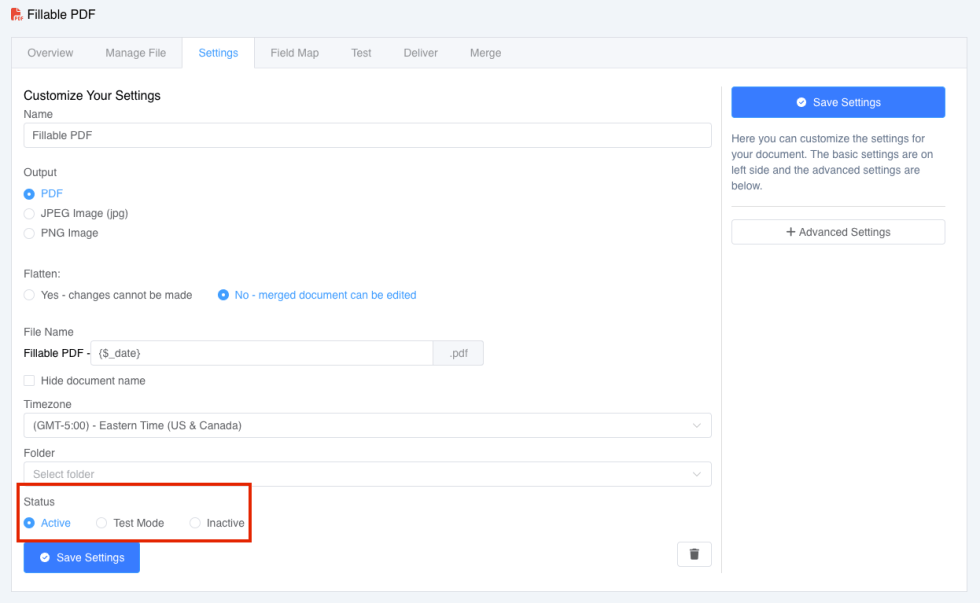
You can change your document status by going on Document Settings Tab. At the bottom of the page you can choose one of three statuses:
- Active – marks document as active and can be merged
- Test Mode – marks document as test and can be merged only on Test tab
- Inactive – document in inactive and cannot be merged
Tags: Document Settings Tab, Documents, Existing Documents, Templates Was this article helpful to you?
Yes NoRelated Articles